Set the layout from fixed references
Show finished floor level, corners, openings and major adjoining finishes. Mark the intended panel breaks and identify any alignment with doors or ceilings. Do not ask the fabricator to infer the elevation from a total square-metre quantity.
Describe the joint detail
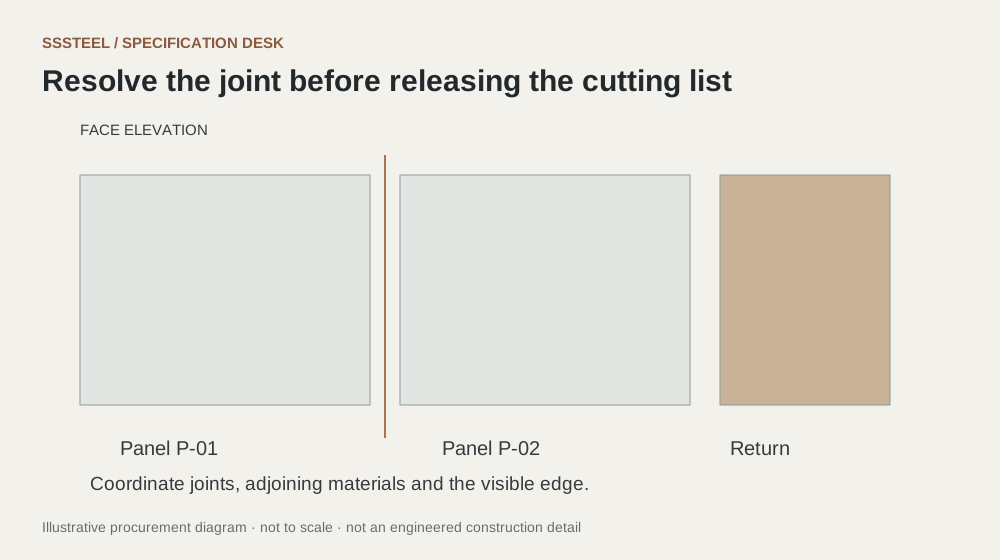
Show whether the joint is open, covered by a profile or formed by a folded return. Identify the underlying support and any required movement provision for designer review. Avoid using a decorative gap dimension as a substitute for a complete connection detail.
Issue a part schedule
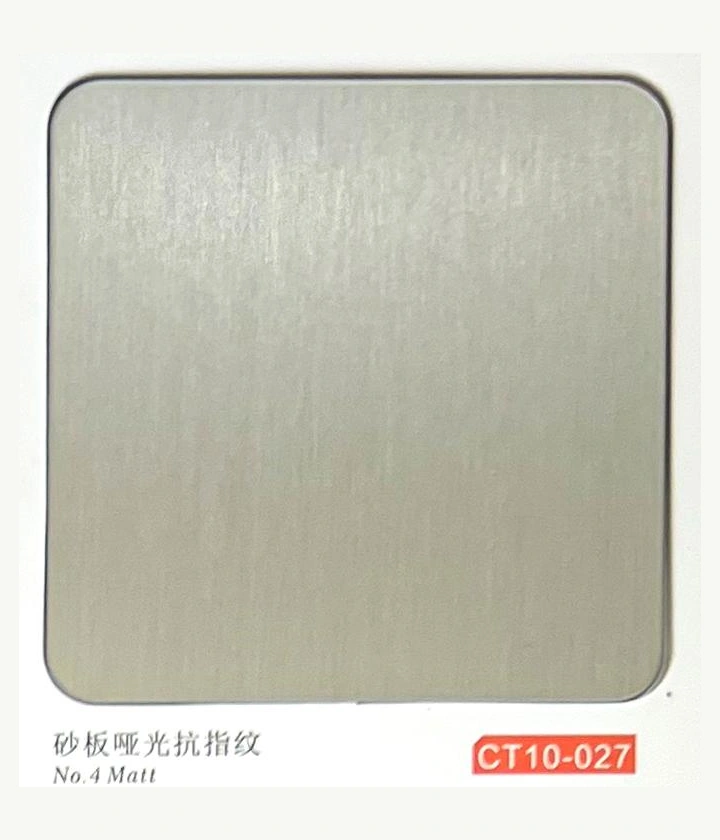
Give every panel and trim a unique mark. Include finish direction and identify matching groups. When the elevation changes, update the part schedule and drawing revision together so old dimensions cannot remain hidden in a separate spreadsheet.
A practical drawing package
Provide an overall elevation to show the visual layout, a typical joint section to show the construction, and a part schedule to show the quantities. Add local details at internal corners, external corners, openings and the floor. Each drawing has a different purpose. A rendering can communicate design intent, but it should be labelled separately from the information that controls fabrication.
Keep changes coordinated
When a wall length or opening changes, check more than the nearest panel. The adjustment may affect repeated module widths, trim lengths and the position of matching groups. Review the full elevation and update every affected part mark. Ask the supplier to acknowledge the revised drawing and schedule together, particularly if some parts have already been released.
What to check at the first assembly
Set out adjacent representative panels and their trim or joint detail using the proposed support arrangement. Review gap consistency, alignment, grain direction and the appearance of the return. Document what the mockup actually demonstrates. If the support is temporary or different from the site proposal, say so; the appearance review should not be mistaken for approval of an untested fixing design.
| Decision | Put this in writing |
|---|---|
| Elevation | Locate panel breaks from agreed datums. |
| Joint section | Show support, edge and cover detail. |
| Schedule | Match each component to the drawing revision. |
Put the detail to work.
A door opening moves after the wall panel layout is priced. Update the elevation, individual panel dimensions and trim quantities together. Ask the supplier to confirm how the change affects nesting and matching groups. Do not adjust only the total area and expect the original part schedule to remain usable. Release a coordinated revision so fabrication and installation still refer to the same joints.
Before you enquire
- Resolve corners before counting panels.
- Coordinate grain across adjacent pieces.
- Check opening interfaces before release.
About this procurement note
The checklists and buying example are original SSSTEEL editorial guidance. Project drawings, supplier documentation and the agreed order govern the actual supply. External references are not product endorsements or proof of SSSTEEL certification.