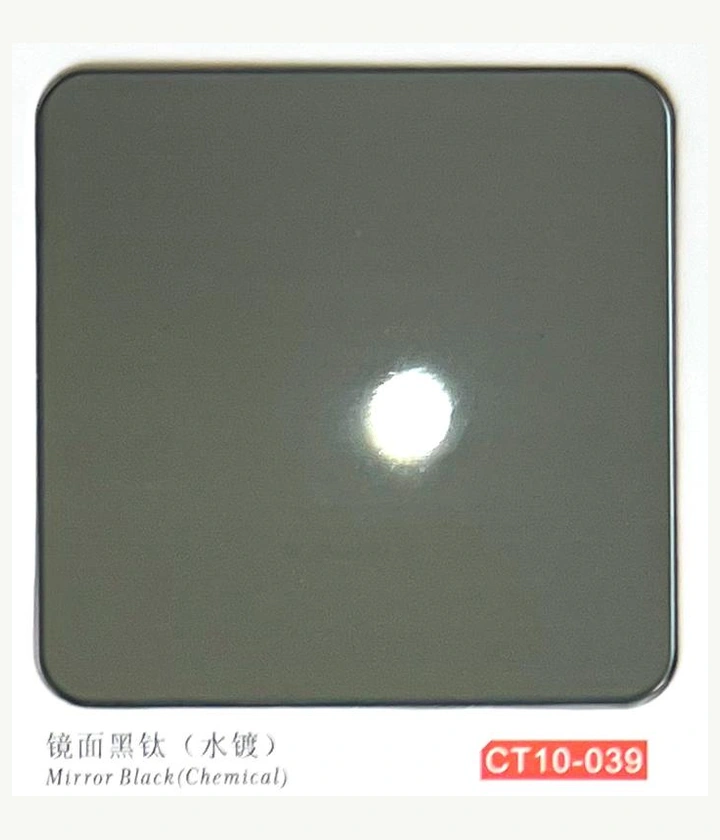
Create the finish register
Give each approved surface a unique code and record the physical reference. Include material grade separately; a finish code should not silently imply the substrate. Note which parts use the finish and whether any require a matching group.
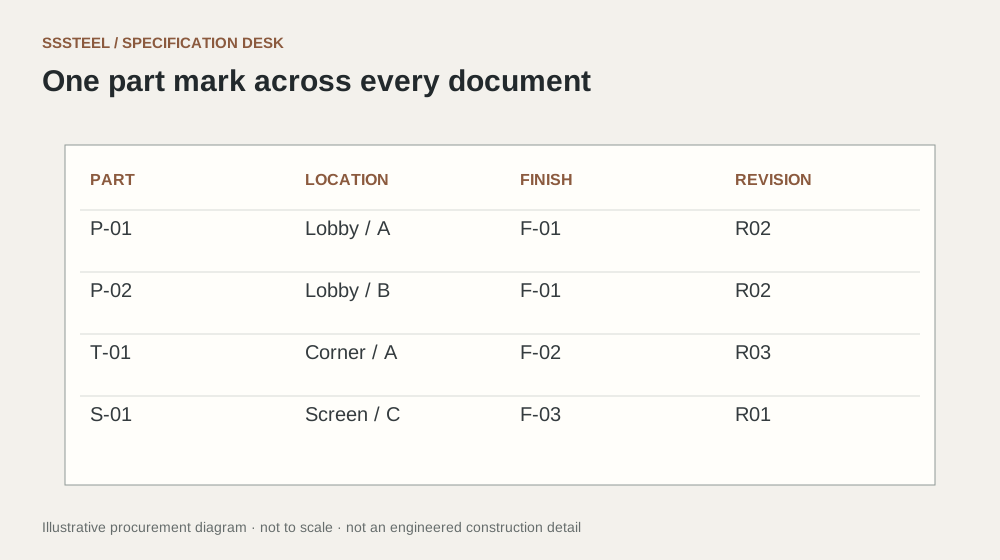
Connect the part schedule
Assign each part a finish code, orientation and quantity. If two pieces share dimensions but use different colours, they still need distinct identifiers. Ask the supplier to preserve that distinction through fabrication and packing.
Control changes across documents
When a finish changes, update the register and every affected part entry. Keep old codes marked as superseded rather than reusing them for a different appearance. Before dispatch, compare the packing schedule with the released finish register.
| Decision | Put this in writing |
|---|---|
| Finish code | Link to an approved physical reference. |
| Part code | Identify geometry, finish and orientation. |
| Package code | Locate the part within the shipment. |
Put the detail to work.
Two equal-sized panels differ only by colour and installation location. Give them different part codes linked to the finish register, even if the workshop uses a common cutting drawing. Check that both codes appear in packing records. A handwritten colour description alone can become ambiguous once film covers the face or several similar metallic tones are stored together.
Before you enquire
- Do not reuse superseded finish codes.
- Separate material grade from colour labels.
- Check packing against the released register.
About this procurement note
The checklists and buying example are original SSSTEEL editorial guidance. Project drawings, supplier documentation and the agreed order govern the actual supply. External references are not product endorsements or proof of SSSTEEL certification.