Confirm the file requirements
Ask the fabricator which file formats and drawing conventions they need. State units and overall dimensions explicitly. Identify cut paths and reference geometry, and ask for review of open contours, duplicate lines or other issues that could affect interpretation.
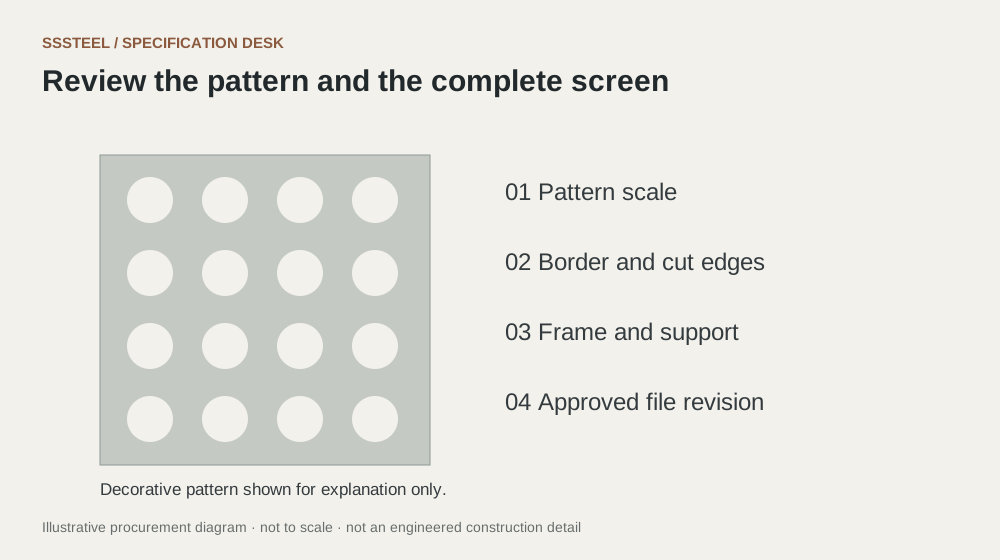
Keep the pattern and panel aligned
Include the final panel outline, margins, mounting features and pattern origin. If an illustration is supplied for appearance, identify it as a reference rather than the controlling cutting file. Confirm that any artwork reproduction is authorised.
Review the production proof
Ask the fabricator to return a proof or marked drawing showing the interpreted size and orientation. For fine decorative detail, approve a representative sample. Lock the file revision used for the order and do not rescale it casually for another panel size.
| Decision | Put this in writing |
|---|---|
| File | Confirm format, units and revision. |
| Drawing | Show overall size, borders and mounting features. |
| Proof | Check interpreted scale and orientation. |
Put the detail to work.
An artwork file opens at an unexpected scale in the workshop. Use the dimensioned drawing and declared units to resolve the discrepancy before cutting. Request a returned proof showing the interpreted overall size. Do not allow the operator to guess from a visual reference. Keep the approved corrected file with the drawing revision so the same scale error is not repeated on a later order.
Before you enquire
- Identify the controlling file.
- Check fine features with the fabricator.
- Approve the finish and cut edge together.
About this procurement note
The checklists and buying example are original SSSTEEL editorial guidance. Project drawings, supplier documentation and the agreed order govern the actual supply. External references are not product endorsements or proof of SSSTEEL certification.